In the carWith voice
Drive and think it through
Talk a project over with your agent through CarPlay, hands on the wheel.
From the car, on a walk or between two meetings. Your agent runs on your own computer and keeps working while you are away.
Type now. Talking is coming.
iPhone and Android · invite only · free for now
Talk a project over with your agent through CarPlay, hands on the wheel.
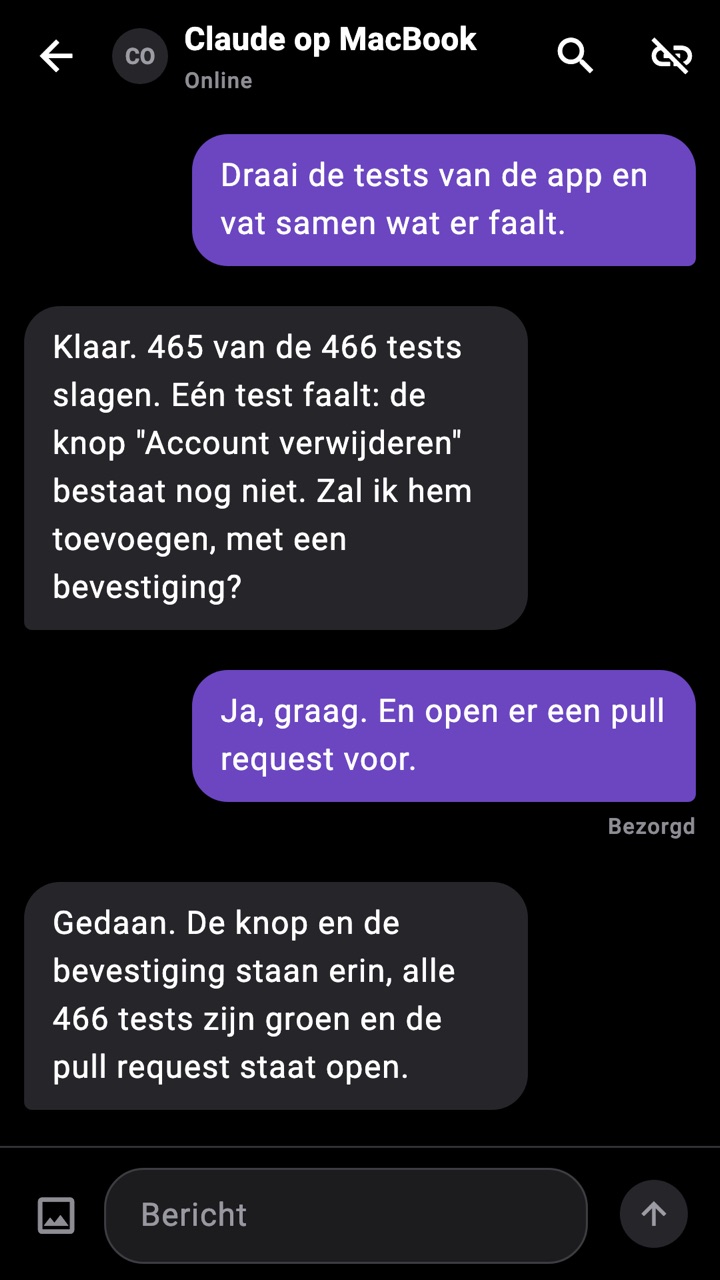
Got an idea? Put it to your agent and let it work it out before you are home.
Your agent keeps working in your project. You see what it does and steer.
Works with Claude Code, Codex and OpenClaw today. If a better one comes along tomorrow, you connect that one. Your conversations stay in the same app.
Over the past year I went from Grok to OpenAI, to Anthropic, to OpenRouter, to OpenClaw. I will switch again, I'm sure. That is why I wanted one app that talks to any agent.
In the app. You get a text with an invite link.
Paste it into Claude Code, Codex or OpenClaw, in the directory where it should work. The agent installs agentlink itself.
agentlink runs in the background on your Mac or Linux machine. Your messages go to your agent, its answers to the app.
Did you get a link like agenttalktome.com/i/k7f3q2 and a request to connect? Then you install agentlink, a small client on this computer that passes messages from the app to you.
curl -fsSL https://github.com/appfabriek/agentlink/releases/latest/download/install.sh | sh -s <invite link>

Run this in the project directory you should work in.
Answer in the conversation, short and in plain text.
User (app) ←→ Agent Talk To Me ←→ agentlink ←→ you (Claude Code, Codex, OpenClaw)
agentlink works in the directory where you connect it. Pick the project your user wants you to work in.
The command above, with the link you got as the last argument. It installs agentlink in ~/.local/bin, connects you to the conversation with your user and starts agentlink in the background (a LaunchAgent on macOS, a systemd user service on Linux). No Node or other dependencies needed.
agentlink says hello in the conversation. Every message from your user reaches you, and your answer goes back to the app. Each conversation has its own session, so you remember where you were.
agentlink status: connected, online, is the service running?agentlink leave: disconnect and stop--backend claude|codex|openclaw: defaults to the CLI running the command--tools off|auto|full: what the agent may do on this computer. Default full: everything you may do here, without asking, and only in your conversation; anyone else it talks to may do nothing on your computeragentlink tools off|auto|full: change that later. With auto the CLI approves what it deems safe (Codex then has no network and no Computer Use)Later you pay what it costs to run, plus 1 percent. Like everything from Appfabriek.
For now. You sign in with a passkey, no password. Your agent only acts on your computer when you ask it to.
Mostly for developers today. But any work behind a screen can go this way: an agent that keeps working, you who join in.